
GBP Messaging: Should Local Businesses Turn It On?
July 25, 2026
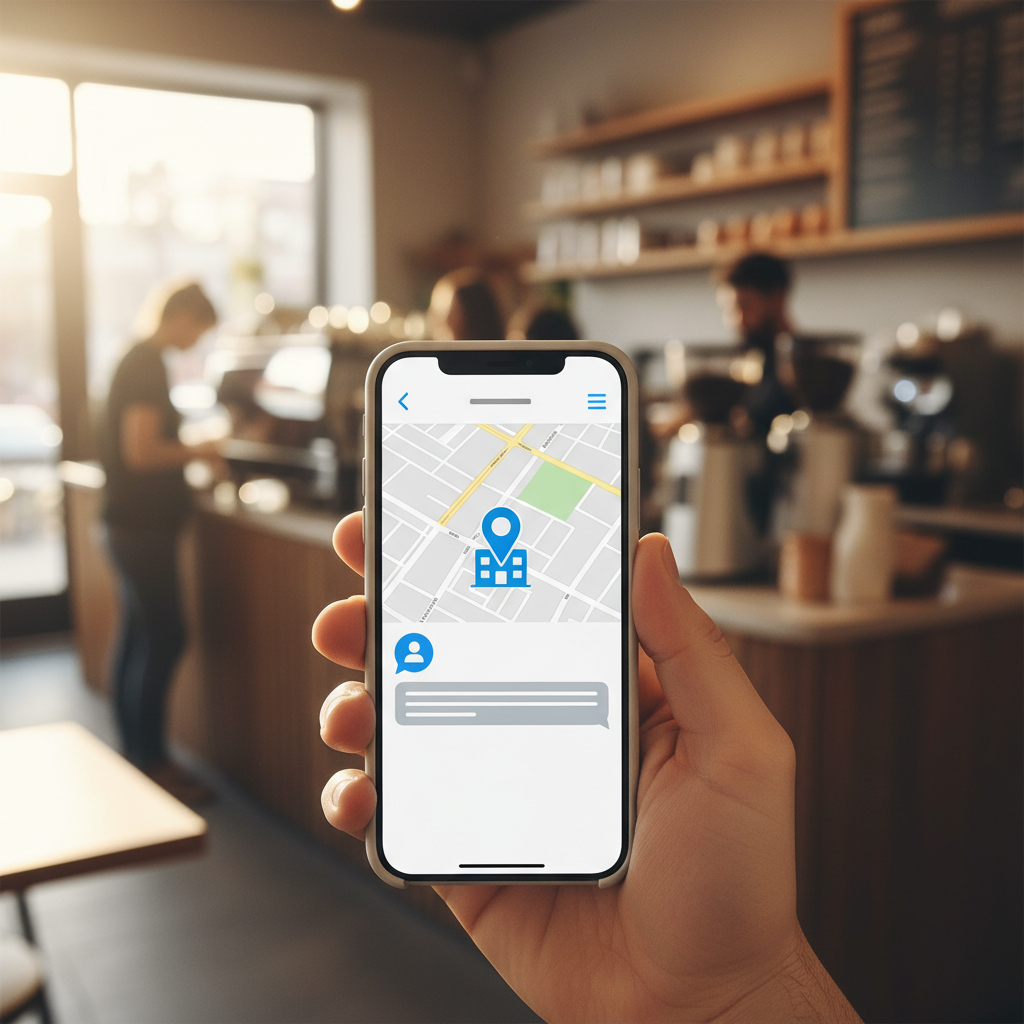
Google Business Profile (GBP) offers various features designed to connect local businesses with potential customers. One of these features is messaging, often referred to as Google Business Chat. When enabled, it allows customers to directly send inquiries to your business through your Google Business Profile listing.
For many local businesses, the idea of real-time customer communication is appealing. It promises quick answers, potentially leading to more appointments, sales, or service calls. However, gbp messaging isn't a set-it-and-forget-it tool. It requires commitment and a clear strategy to be effective and avoid potential pitfalls.
What is Google Business Chat?
Google Business Chat provides a direct line of communication between customers and your business. When a user finds your business on Google Search or Maps, they’ll see a "Chat" button on your GBP listing. Tapping this button opens a chat window where they can type their questions. These messages are then routed to you through the Google Business Profile app or linked messaging platforms.
This feature aims to make communication seamless for customers, who increasingly expect immediate responses. For businesses, it offers an opportunity to engage leads while their interest is high, addressing concerns, answering FAQs, and even guiding them towards a purchase or booking.
The Benefits of Enabling GBP Messaging
There are several compelling reasons why a local business might choose to enable gbp messaging:
- Instant Customer Engagement: Customers often have simple questions they want answered quickly. Chat allows for immediate interaction, which can differentiate your business from competitors who only offer phone or email.
- Improved Customer Experience: For many, chatting is more convenient than calling. It allows them to multitask and get answers without holding or navigating phone menus. A positive chat experience can boost customer satisfaction.
- Increased Lead Generation: By answering questions promptly, you can convert inquiries into leads more effectively. A quick response can capture a customer's business before they move on to a competitor.
- Competitive Advantage: While many businesses use GBP, not all actively use or manage the messaging feature. Being responsive via chat can make your business stand out.
- Gathering FAQs: Over time, consistent use of
google business chatcan reveal common questions. This data can inform your website's FAQ section or your GBP Q&A, improving your overall online presence.
The Downsides and Challenges
While the benefits are clear, there are significant responsibilities that come with enabling gbp messaging. Ignoring these can harm your business's reputation:
- Expectation of Prompt Responses: Google encourages businesses to respond to messages within 24 hours. If your response time is consistently slow, Google may disable the feature for your business. More importantly, slow responses will frustrate potential customers and reflect poorly on your service.
- Staffing and Management: Who will monitor and respond to messages? This requires dedicated time and possibly staff training. Response quality is key – canned responses often feel impersonal and unhelpful.
- Availability: Customers can message at any time. While you can set automated away messages, prolonged unresponsiveness, especially during business hours, can be detrimental.
- Spam and Unwanted Messages: Like any public communication channel, you might receive spam or irrelevant messages. Filtering these requires time and attention.
- Integration Challenges: If you’re not using the GBP app, managing messages across multiple platforms can be cumbersome.
Should Your Business Turn On Google Business Chat?
The decision largely depends on your business's capacity and commitment. Here's how to assess if google business chat is right for you:
If you can commit to prompt responses:
- Yes, enable it. Messaging can be a significant asset if you or a designated team member can consistently reply to all inquiries within a few hours, ideally much faster during business hours. For guidance on optimizing your overall listing, explore our services for Google Business Profile optimization.
If you're short on staff or time:
- Consider carefully or hold off. Enabling the feature and then being unresponsive is worse than not having it at all. It signals poor customer service. Focus on other aspects of your online presence first, such as ensuring your website that converts is up-to-date and your GBP is fully optimized for information accuracy.
If your business primarily handles complex inquiries:
- Evaluate the types of questions. While some complex issues might start with a chat, you'll need a mechanism to transition these to a phone call or in-person visit. Set expectations early in the chat about when a different communication method might be better.
Best Practices for Managing GBP Messaging
If you decide to enable gbp messaging, follow these best practices to make it a success:
- Designate a Manager: Assign specific individuals the responsibility of monitoring and responding to messages. Ensure they are trained on common inquiries and brand voice.
- Set Clear Expectations: Use automated welcome greetings to set expectations for response times. For example, "Thanks for messaging! We usually respond within 2 hours during business hours (Mon-Fri, 9 am-5 pm)."
- Use Quick Replies: Prepare a library of common answers to frequently asked questions. This speeds up response times and maintains consistency.
- Monitor Regularly: Check the GBP app or your linked messaging platform throughout the day, especially during business hours. Consider setting up notifications.
- Be Professional and Concise: Keep responses clear, helpful, and to the point. Maintain a friendly, professional tone.
- Know When to Escalate: Some inquiries are better handled over the phone or in person. Don't hesitate to suggest this when appropriate, providing clear contact information.
- Leverage Google's Tools: Explore the features within the GBP dashboard, such as setting business hours for messaging and automated out-of-office replies.
- Integrate with Your Strategy: Think about how
google business chatfits into your overall customer service and marketing strategy. If you're running Google Ads, quick chat responses can help convert ad clicks into customers.
For service-area businesses, gbp messaging can be particularly valuable as customers might use it to quickly check availability or request quotes, sometimes preferring not to make a phone call until they’ve screened a few options. Physical-location businesses can use it to answer questions about inventory, hours, or specific services before a customer makes a trip.
Ultimately, gbp messaging can be a powerful customer engagement tool. However, its effectiveness hinges on your ability to commit to consistently provide timely and useful responses. If you can, it’s a direct way to connect with and convert potential customers right from Google Search and Maps.
If you'd rather skip the DIY, Apex Growth handles GBP optimization for local businesses — book a free strategy call.
Apple Maps Ads FAQs
Ready to grow your local business?
Book a free strategy call and we'll get you a $150 Apple Maps Ads credit — no obligation.
Book a Free Call