
How to Choose Your GBP Categories: Primary vs. Secondary
July 1, 2026
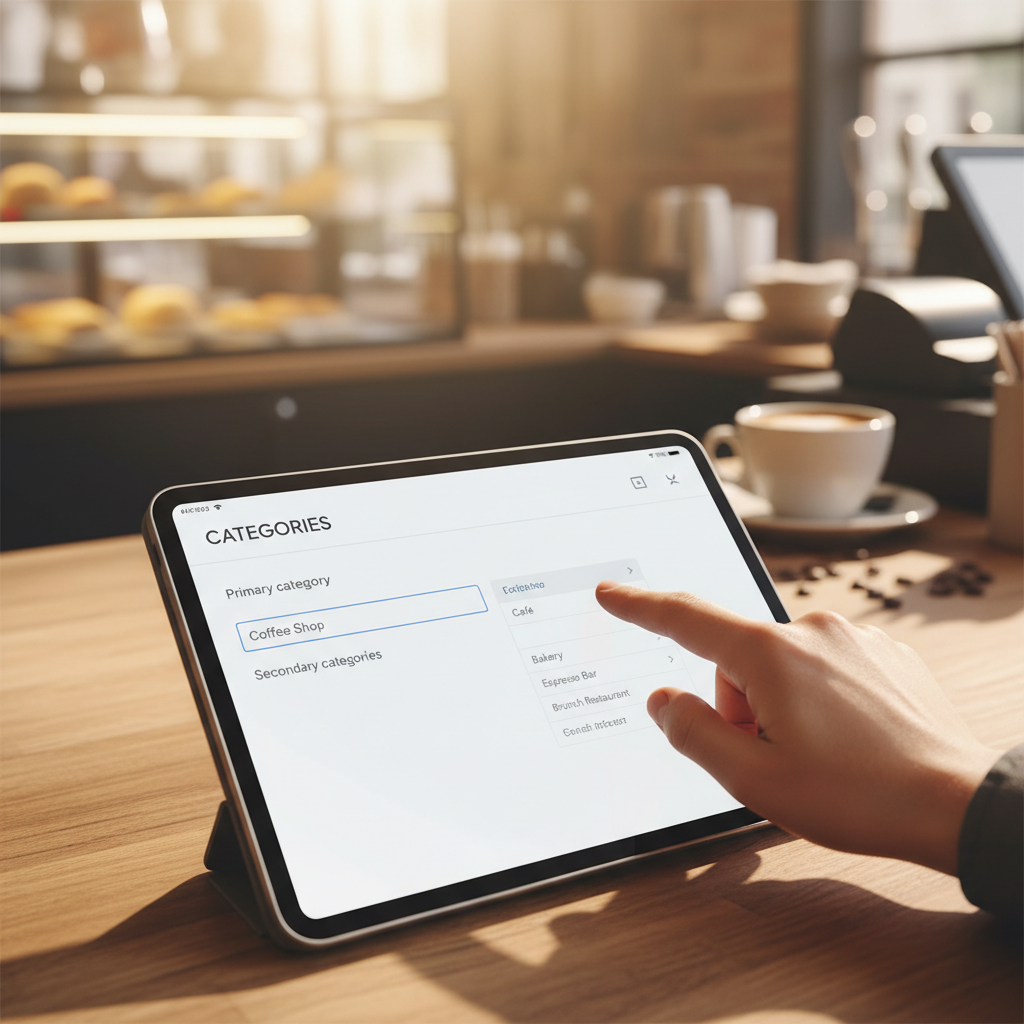
Your Google Business Profile (GBP) is often the first interaction potential customers have with your business online. A key component of a well-optimized profile is the accurate selection of your business categories. These categories tell Google what your business does, helping it match your profile with relevant searches.
The Importance of GBP Categories
Think of GBP categories as labels that describe your business. When someone searches for a product or service, Google uses these categories to determine if your business is relevant to that search. Incorrect or too few categories can mean your business gets overlooked, even if you offer exactly what the customer needs.
Effective category selection directly impacts your visibility in Google Maps and local search results. It’s not just about showing up; it’s about showing up for the right searches to the right customers.
Primary vs. Secondary Google Business Categories
Google allows you to choose one primary category and up to nine secondary categories. Understanding the distinction between these is vital for effective optimization.
The Primary Category: Your Core Identity
Your primary category is the single most important descriptor of your business. It should reflect your main service or product offering – the one thing you want to be known for above all else. This category carries the most weight in Google's ranking algorithm.
Example:
- A barbershop's primary category should be "Barber shop."
- A coffee shop's primary category should be "Coffee shop."
- A plumbing company's primary category should be "Plumber."
Google often prominently displays your primary category directly under your business name in search results and on your GBP listing. This reinforces its importance to both Google and potential customers.
Secondary Categories: Expanding Your Reach
Secondary categories allow you to list additional products, services, or specializations your business offers. While they don't carry the same weight as the primary category, they are crucial for capturing searches related to your extended offerings.
Example:
- A "Barber shop" might add "Hair salon" (if they offer women's services), "Facial spa," or "Beard trimming service" as secondary categories.
- A "Coffee shop" might add "Bakery," "Cafe," or "Breakfast restaurant" if they offer those.
- A "Plumber" might add "Water heater supplier," "Drainage service," or "Emergency plumbing service."
You should use secondary categories to accurately represent all significant services or products without being overly broad or choosing categories that don't apply. Google penalizes businesses for misrepresenting themselves.
How to Choose Your GBP Categories
Choosing the right categories can feel challenging, but following a structured approach helps ensure accuracy and effectiveness. Here's a step-by-step guide:
Start with Your Core Business Function: What is the single most important service or product you offer? This should be your primary category. Don't overthink it; just choose the most direct and accurate option.
Research Competitors: Look at what categories successful competitors are using. This can give you insights into common and effective choices within your industry. Search for similar businesses in your area on Google Maps and check their GBP listings.
Use Google's Category List: When you edit your GBP, Google provides a predefined list of categories. You cannot create custom categories. Start typing ideas, and Google will suggest matching options. Only select from this official list.
Be Specific, But Not Overly Niche: Choose the most specific category that accurately describes your primary service. For example, instead of just "Restaurant," pick "Mexican restaurant" or "Italian restaurant" if applicable. However, avoid categories that are too narrow if they don't truly represent a significant portion of your business.
Prioritize Volume: Consider which of your services generates the most customer interest or revenue. These should definitely be represented in your primary and top secondary categories.
Add Relevant Secondary Categories: Once your primary is set, identify all other distinct services or products you offer. Go through Google's list and add any appropriate secondary categories. Aim for accuracy and relevance. Don't add a category just because it's available if you don't actually offer that service.
- Actionable Tip: Don't hesitate to use all ten available slots (one primary, nine secondary) if you genuinely offer that many distinct services. Each relevant category increases your chances of appearing in specific searches.
Review and Refine Periodically: Business offerings can change. It's good practice to review your GBP categories every 6-12 months. Have you added new services? Stopped offering others? Update your categories to reflect your current business accurately. This ongoing optimization is part of a strong local SEO strategy.
Common Mistakes to Avoid
- Choosing Too Few Categories: Limiting your categories means you miss out on potential search visibility. If you offer five distinct services, ensure they are all represented.
- Choosing Irrelevant Categories: Don't add categories you don't genuinely belong to. This can confuse customers, lead to low-quality leads, and potentially result in Google suspending your profile. For instance, a "Barber shop" should not add "Dentist's office" just to potentially appear in more searches.
- Misunderstanding Primary vs. Secondary: Placing a secondary service as your primary category when it's not your main offering will diminish your profile's effectiveness for your core business.
- Being Too Vague: Opt for the most specific category available on Google's list that still accurately describes your business. "Restaurant" is less helpful than "Japanese restaurant" if that's what you are.
Impact on Service-Area Businesses
For service-area businesses (SABs) like plumbers, electricians, or cleaning services that don't have a physical storefront customers visit, GBP categories are even more critical. Since SABs don't rely on foot traffic, Google uses categories heavily to understand and present your services to users within your service area. Ensure your primary category clearly states your main service (e.g., "Plumber," "Electrician"). For more on enhancing your online presence without a physical location, consider exploring strategies for Local SEO.
Maximizing Your Local Visibility
Selecting the correct GBP categories is a foundational step in your local marketing efforts. It directly influences who sees your business and how often. Coupled with other GBP optimization techniques, such as optimizing your Google Business Profile description, services, and photos, accurate category selection can significantly improve your local search performance.
Remember, your GBP is a dynamic tool. Regular checks and updates ensure it always accurately reflects your business and helps you connect with local customers looking for what you offer. If you'd rather skip the DIY, Apex Growth handles GBP optimization for local businesses – book a free strategy call.
Apple Maps Ads FAQs
Ready to grow your local business?
Book a free strategy call and we'll get you a $150 Apple Maps Ads credit — no obligation.
Book a Free Call